Mindblown: a blog about philosophy.
-
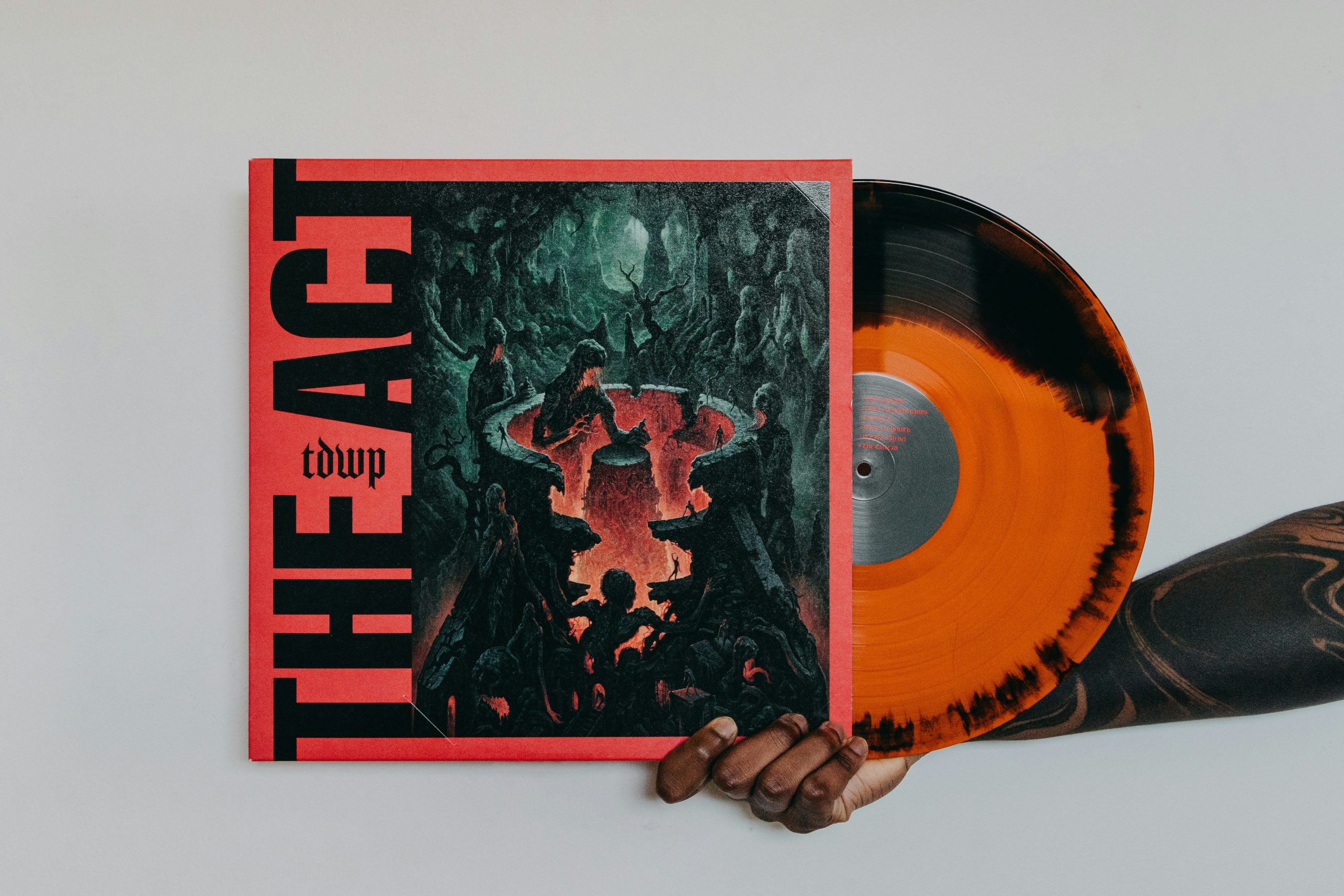
Making Spotify Canvas and Cover Mockups With Brat-Style Type
TL;DR: Brat-inspired covers live or die on blur, lowercase attitude, and readable hierarchy in a tiny mobile square. Export sharp type from a generator, then mock the Canvas loop and cover crop before you upload. Build the lettering in Brat Font Generator, then stress-test it at phone size—not only on a desktop artboard. Square crops…
-

Building a Three-Slide Brat Carousel for a Product Drop
TL;DR: Product drops need a hook, a proof, and a clear CTA—brat typography can carry all three if each slide gets one job. Draft lines in a Brat font generator, export matched lime PNGs, then assemble the carousel without stuffing paragraphs onto the green. Slide roles that fit the aesthetic Brat graphics reward blunt fragments.…
-

Matching Brat Lime Green Across Brand Kits, Screens, and Print Merch
TL;DR: The viral brat look lives or dies on a specific acid lime—not “any green.” Lock a hex for screens, a coated Pantone aim for print, and export type from a Brat font generator so every stub, sticker, and slide shares one loud color story. Pick one screen green and write it down Design-by-eyedropper across…
-

Short Captions vs Long Quotes in Green Brat Typography
TL;DR: Brat album cover typography hits hardest with short lowercase lines and intentional line breaks. Long quotes need manual splits so words do not wrap awkwardly on green. Type phrases in a Brat font generator and iterate line length before you share. Why lowercase is part of the brand language The aesthetic rejects title case…
-
Brat-Style PNGs That Stay Sharp on Mobile Feeds
TL;DR: Brat-style graphics compress aggressively on Instagram and TikTok feeds. Export at sufficient pixel dimensions, keep contrast high on lime green, and avoid tiny type that turns mushy after platform re-encoding. Generate source art with a Brat font generator then follow mobile-safe export habits below. How platforms butcher innocent PNGs Stories and reels recompress uploads…
-
Privacy When Using Online Font Generators
Avoid entering personal data in text fields on untrusted mirrors.
-
Green Color Looks Different on Screens
Calibrate displays; sRGB exports reduce wild shifts.
-
Download Button Not Working: Troubleshooting
Check pop-up permissions and iOS save-to-photos flow.
-

Wrong Font Rendering on Mobile Devices
Update mobile browsers and avoid in-app WebView limitations.
-
Text Cut Off or Clipped in Brat Image Export
Shorten lines, reduce font size, or add manual line breaks.